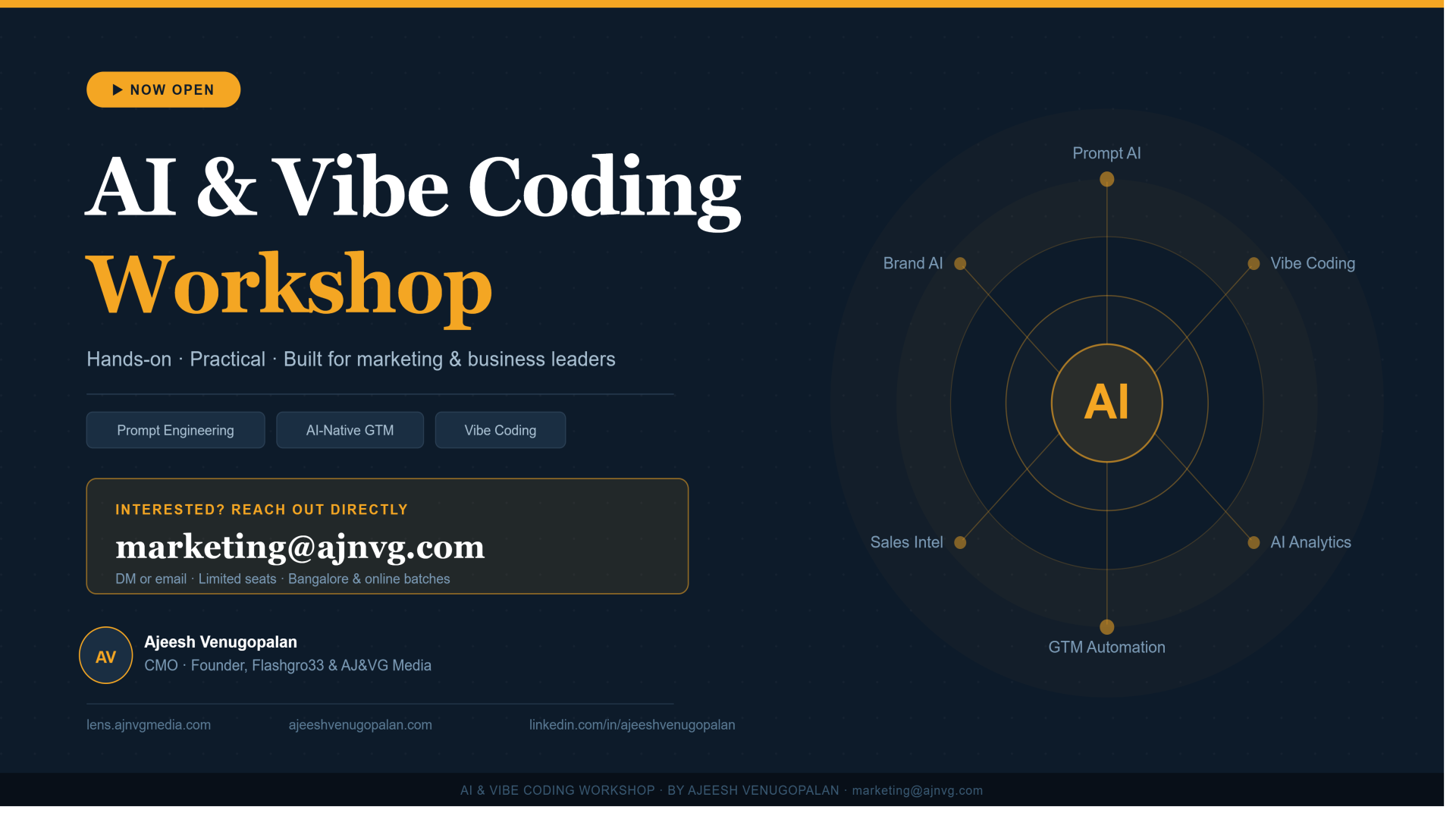
AI & Vibe Coding Workshop
🧠 Vibe Coding Workshop
Building Agentic AI Without BaaS Dependency
⏱ Duration: 3 Hours 🎯 No Coding Experience Required 👥 8–15 Participants
| 📌 SESSION 1: FOUNDATION (45 minutes) |
1.1 Understanding BaaS vs. Real Backend (20 min)
- The economic trap of Backend-as-a-Service platforms
- Cost comparison: BaaS vs. owned infrastructure
- Control, data ownership, and scalability differences
- When BaaS makes sense vs. when it's a dependency trap
🎓 Learning Outcome: Participants can articulate why owning infrastructure matters
1.2 Demystifying the Technical Stack (25 min)
- Three-layer architecture: Frontend → Backend → Database
- What each component does in plain language
- Marketing workflow to technical component mapping
- The AI layer: How LLMs enable vibe coding
- Installation requirements overview
🎓 Learning Outcome: Participants understand what they'll be building on
| 🛠 SESSION 2: SETUP & MENTAL MODEL (60 minutes) |
2.1 Environment Installation (30 min)
Hands-On Installation Sequence:
- VS Code installation and configuration (8 min)
- Local webserver setup — XAMPP/MAMP (10 min)
- Ollama installation and model download (12 min)
✅ Verification Checklist:
| VS Code opens and runs | ☐ Verified |
| Localhost responds on browser | ☐ Verified |
| Ollama executes test query | ☐ Verified |
🎓 Learning Outcome: All participants have a working development environment
2.2 Prompt Engineering for Code (30 min)
- Anatomy of effective prompts vs. vague requests
- The specification framework: UI + Data + Logic + Output
- Marketing-to-technical translation practice
- Hands-on exercise: Writing two complete prompts
- Scenario 1: Email Preference Center
- Scenario 2: Lead Scoring Dashboard
- The iteration loop: Generate → Test → Refine
🎓 Learning Outcome: Participants can write prompts that generate working code
| 🚀 SESSION 3: BUILDING (60 minutes) |
3.1 Live Build Demonstration (35 min)
📦 Project: Marketing Campaign ROI Calculator
- Components: Input form, calculation logic, database storage, results display
- Live execution: Prompt → Generated Code → File Setup → Testing
- Intentional debugging moment (common error + fix)
- Running application demonstration
🎓 Learning Outcome: Participants see the complete cycle in action
3.2 Guided Participant Build (25 min)
🔨 Project Options (choose one):
| 📧 Email Signature Generator | 📅 Content Calendar Helper | 👤 Simple CRM Contact Saver |
🔄 Process:
- Choose your project (3 min)
- Write prompt using the learned framework (7 min)
- Generate code and create files (12 min)
- Test and troubleshoot (3 min)
🎓 Learning Outcome: Each participant has attempted an independent build
| 🗺 SESSION 4: NEXT STEPS & COMMITMENT (15 minutes) |
4.1 From Workshop to Workflow
- The capability ladder: Single-page → Multi-page → Integrated → Platform
- When to vibe code vs. when to hire developers
- Resource arsenal for continued learning
- 30-day challenge: Build one tool per week
- Community access and support channels
🎓 Learning Outcome: Clear roadmap for independent progression
📦 Materials Provided
| When | What |
|---|---|
| Pre-Workshop (48hrs before) | System requirements checklist · Download links for all tools · Installation troubleshooting guide |
| During Workshop | Digital workbook with all prompts and code examples · Database schema templates · Prompt engineering cheat sheet |
| Post-Workshop | Recording and slides · Code repository access · Resource compilation · Alumni community access |
🏆 Success Criteria
| Milestone | Target |
|---|---|
| Working Dev Environment | ✅ 90%+ participants |
| Successfully Run App | ✅ 75%+ participants |
| Explain BaaS vs Real Backend | ✅ 100% participants |
| Build another tool (30 days) | ⏳ 50%+ participants |
| Deploy to live server (30 days) | ⏳ 25%+ participants |
| Replace a BaaS subscription (30 days) | ⏳ 10%+ participants |
📋 Workshop Details
| Total Duration | 180 minutes (3 hours) |
| Format | 60% hands-on · 40% instruction |
| Equipment Required | Participant laptops with admin access + internet connection |
| Class Size | Optimal: 8–15 participants · Maximum: 20 (with assistant instructor) |
Lens CXO Community · Vibe Coding Workshop · Curriculum v1.0
Event Details
Start Date
Sunday, November 01, 2026
02:00 PM
End Date
Sunday, November 01, 2026
05:00 PM
Location
Online
Registration Deadline
Sep 30, 2026 06:00 PM
Organized By
Super Administrator
$99.00
Per Person
139 views